



StalkeR Arrow MT4 – Accurate Non-Repainting Arrow Indicator for Forex Trading
Get Precise Buy & Sell Signals with StalkeR Arrow MT4
Are you looking for a high-accuracy Forex trading indicator that provides clear buy and sell signals? StalkeR Arrow MT4 is a powerful non-repainting arrow indicator designed to identify price action patterns and fractals for reliable trade entries.
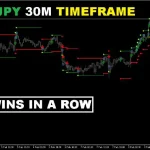
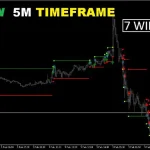
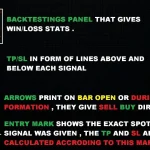
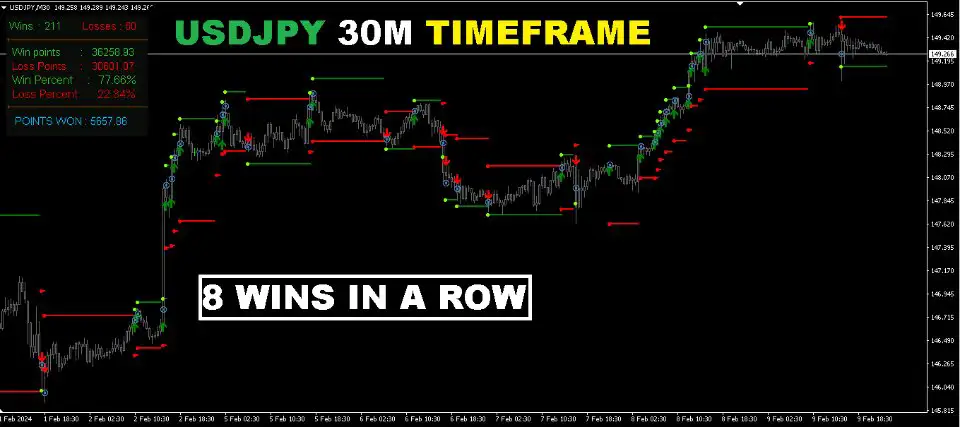
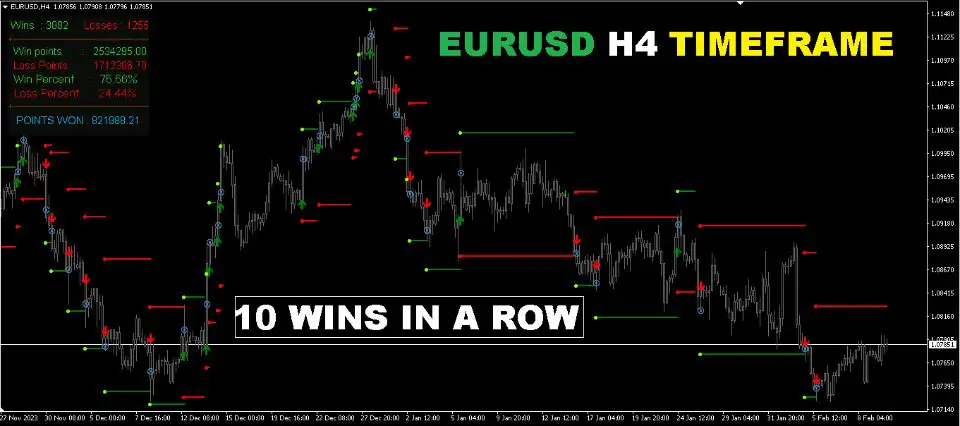
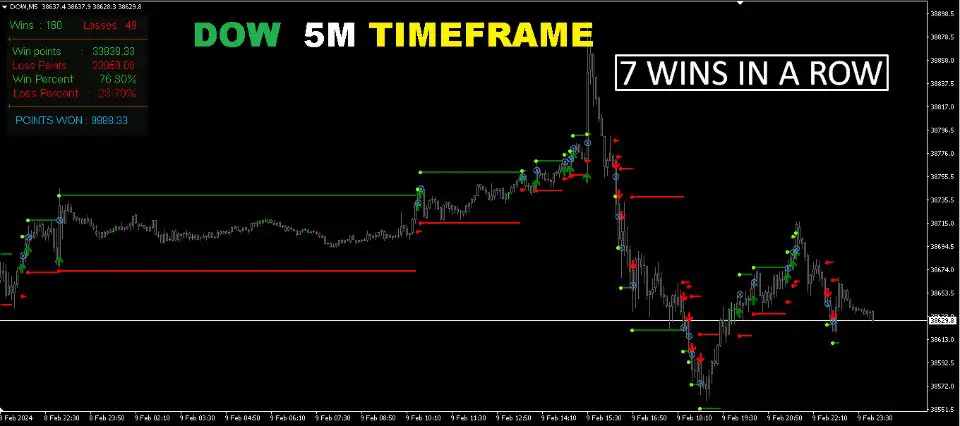
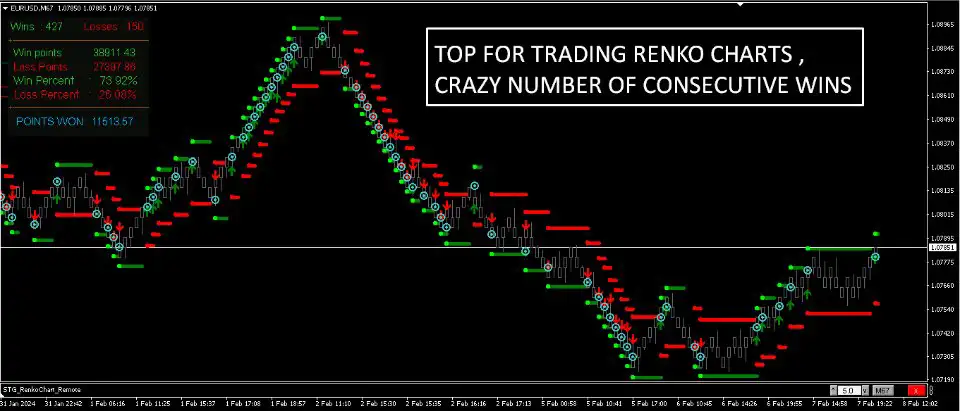
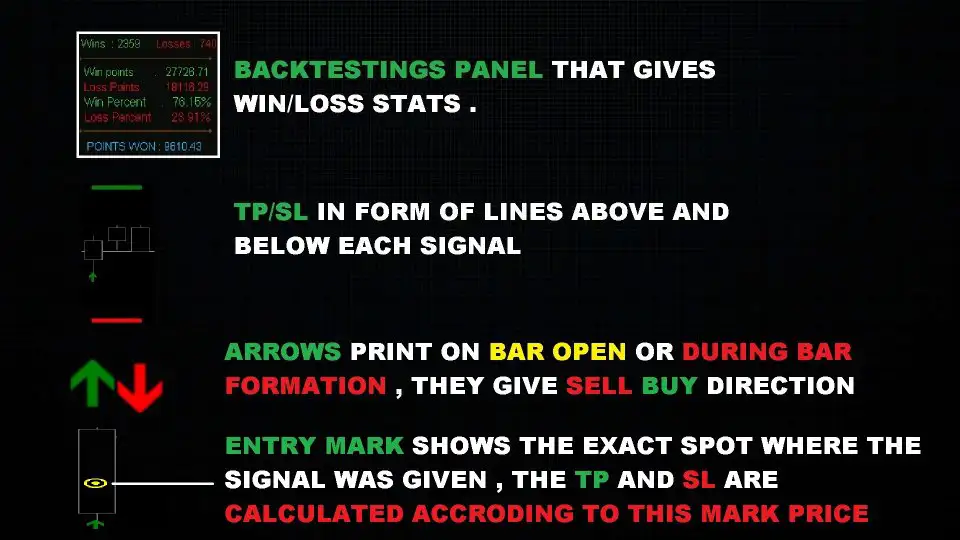
This MT4 indicator plots buy and sell arrows at bar open or intra-bar, with automatic stop-loss (SL) and take-profit (TP) lines for each signal. The built-in backtesting panel allows traders to analyze historical performance, giving insights into win/loss ratios without repainting past signals.
- Platform: MetaTrader 4 (MT4)
- Signal Type: Buy & Sell Arrows (Non-Repainting)
- Based On: Price Action & Fractals
- Additional Features: Stop-Loss & Take-Profit Levels, Backtesting Panel, Alerts & Notifications
Key Features of StalkeR Arrow MT4
1. Non-Repainting & Non-Backpainting Signals
- Signals remain on the chart and do not change after formation
- Ensures real-time accuracy for better decision-making
2. Buy & Sell Signals with Automatic TP & SL
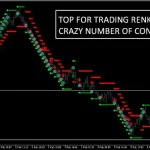
- Generates clear buy and sell arrows based on price action patterns and fractals
- Each signal comes with stop-loss (SL) and take-profit (TP) lines, which extend until a new signal appears
3. Built-in Backtesting Panel/Dashboard
- Displays win/loss statistics for historical signals
- Helps traders analyze strategy effectiveness without repainting past signals
4. Fully Customizable Indicator Settings
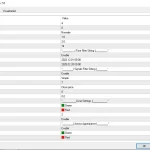
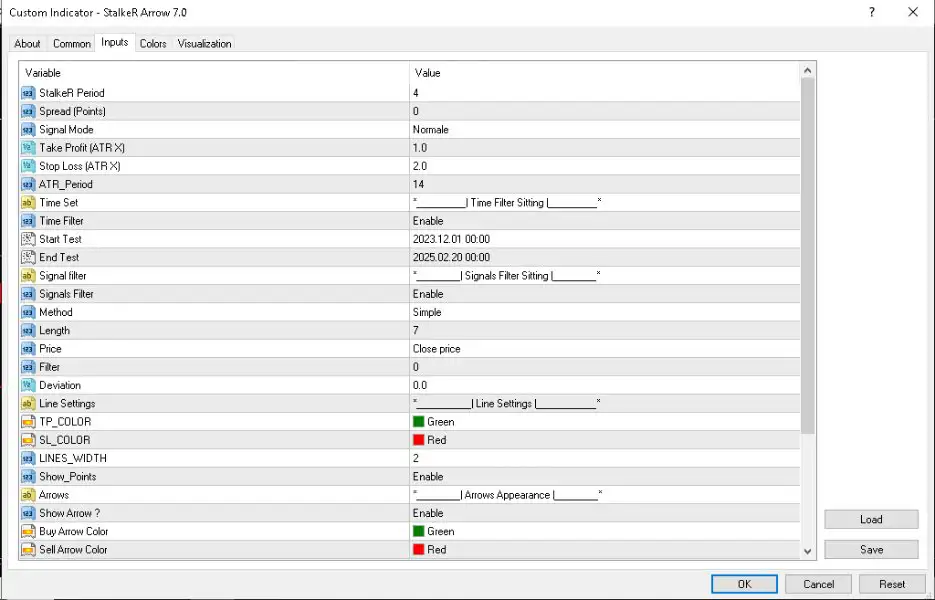
- Adjustable StalkeR Period – Higher values generate fewer signals
- Spread Calculation – Includes spread in win/loss calculations
- ATR-Based TP & SL Settings – Define stop-loss and take-profit using ATR multipliers
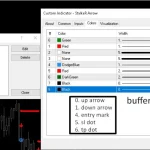
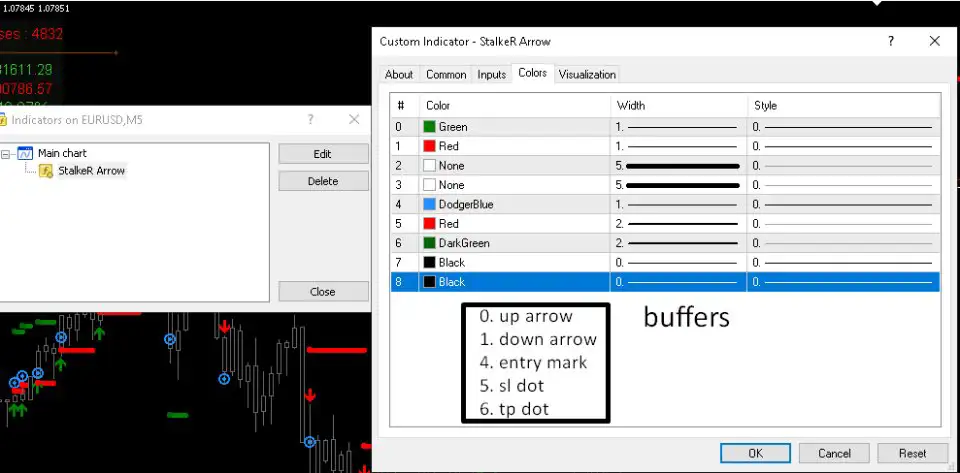
- Custom Colors & Line Widths – Personalize TP/SL lines, arrows, and dashboard
5. Alerts, Email, and Push Notifications
- Get real-time alerts via MT4 notifications, email, or mobile push alerts
- Never miss a trade opportunity with instant signal notifications
How to Use StalkeR Arrow MT4?
Step 1: Install the Indicator on MetaTrader 4
- Download and attach StalkeR Arrow MT4 to your MT4 trading chart
Step 2: Configure Indicator Settings
- Set the StalkeR Period to adjust the signal frequency
- Adjust ATR-based TP & SL multipliers for risk management
- Customize arrow colors, TP/SL line styles, and dashboard position
Step 3: Enable Alerts & Notifications
- Activate email, push, or MT4 pop-up alerts for instant trade notifications
Step 4: Backtest & Optimize
- Use the built-in backtesting panel to analyze past performance
- Fine-tune settings based on historical win/loss data
Why Choose StalkeR Arrow MT4?
- Non-Repainting & Accurate – Reliable trade signals that don’t change
- Auto TP & SL Lines – Helps manage risk effectively
- Backtesting Dashboard – Analyze historical trade signals instantly
- Fully Customizable – Adjust signal frequency, colors, and risk settings
- Real-Time Alerts & Notifications – Stay updated with live trade signals
Optimize Your Trading with StalkeR Arrow MT4!
Enhance your Forex strategy with high-precision buy and sell signals and smart risk management tools.


Reviews
There are no reviews yet.