


Trade Assistant MT5 – Smart Trading Starts with Smart Tools
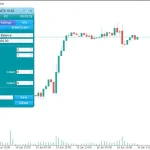
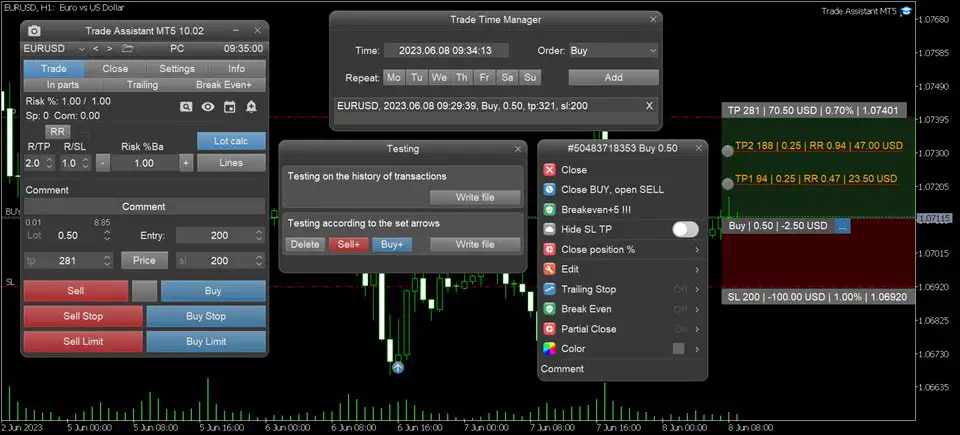
Trade Assistant MT5 is an intelligent and highly customizable trading panel built for MetaTrader 5 users who seek faster execution, smarter risk management, and precise control over every trade. Whether you’re a manual trader or someone looking for a semi-automated solution, this tool provides everything you need to streamline your workflow and reduce human error.
From automated lot calculation to dynamic trailing stops and time-based execution, Trade Assistant MT5 offers powerful features that boost confidence and improve trading outcomes.
Key Features of Trade Assistant MT5
1. Risk Calculation & Lot Size Management
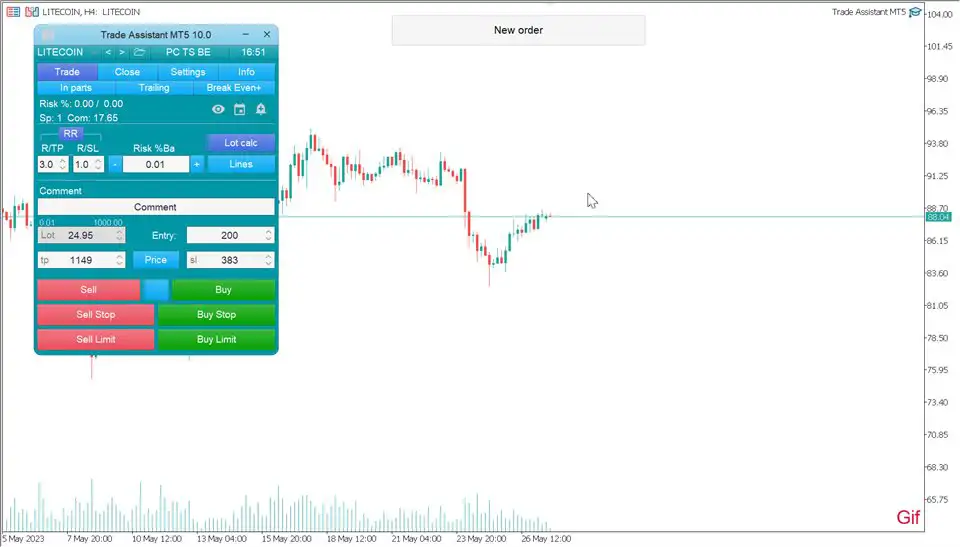
- Automatically calculates the correct lot size based on your risk level and Stop Loss
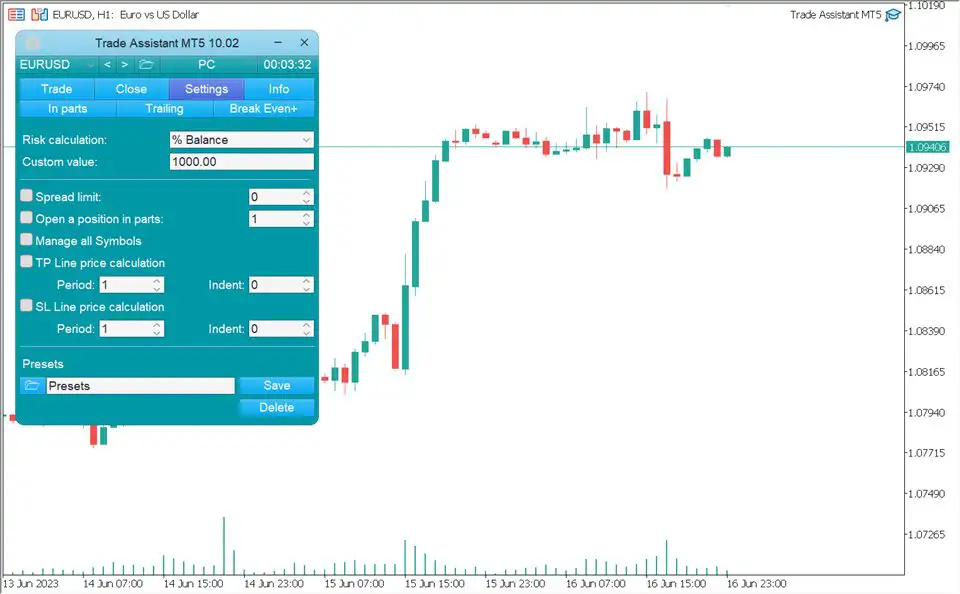
- Supports a wide range of risk models:
- % Balance
- % Equity
- $ Fixed Amount
- % Free Margin
- % Custom Value
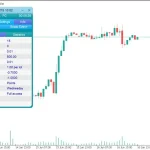
- % Account Balance from Previous Day / Week / Month
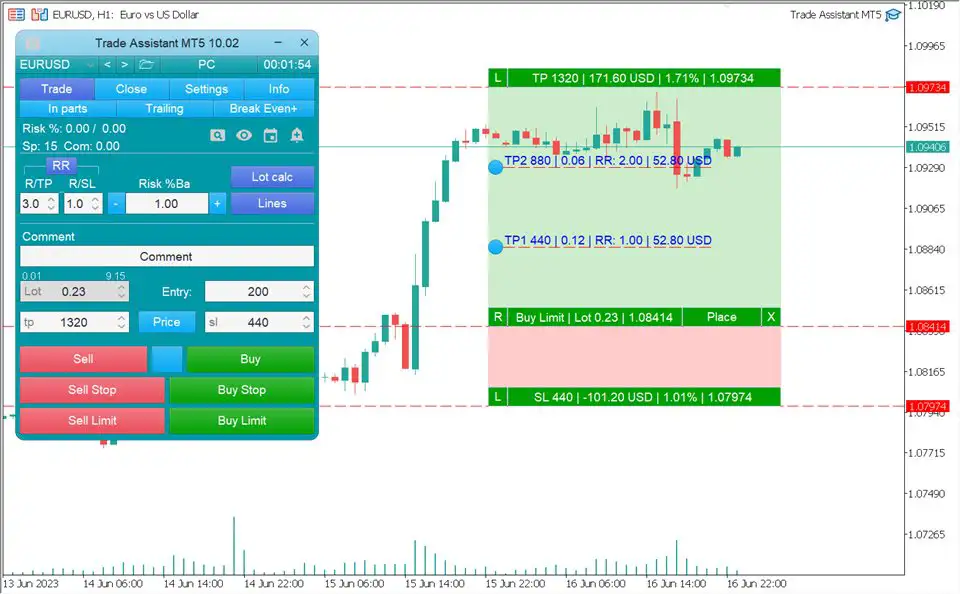
- Easily toggle the risk calculation on or off using the Lot Calc
- Accepts risk input in percentage or account currency.
2. Visual Trade Setup with Chart Lines
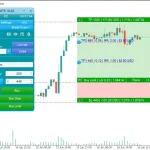
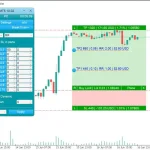
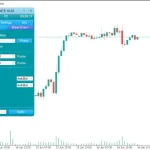
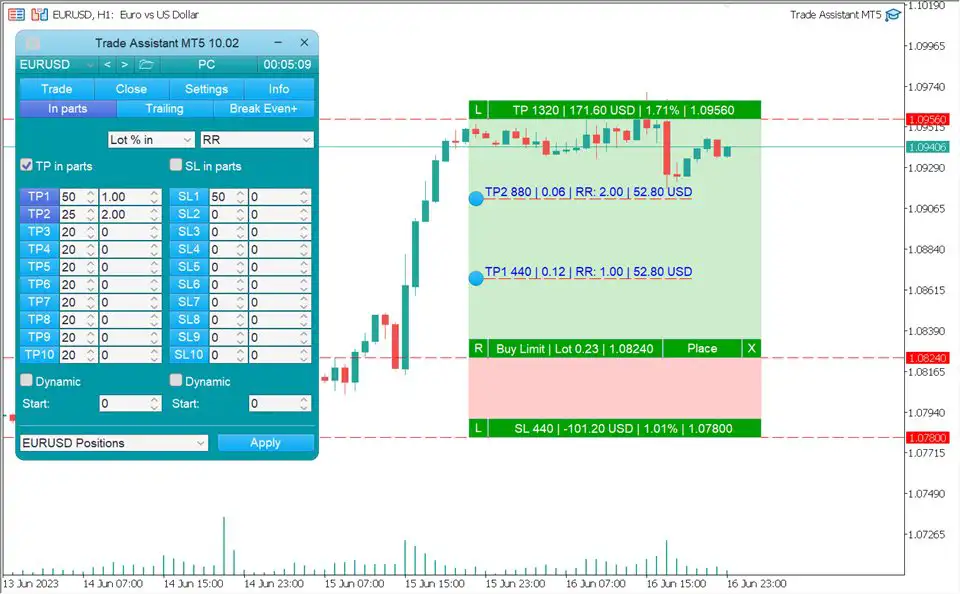
- Display key trade levels (Entry, SL, TP) visually on the chart before execution.
- Makes planning trades easy and intuitive.
- Includes built-in Risk/Reward Ratio (RR) calculator for quick setup:
- Examples: 2:1, 1:1, or custom ratios.
3. Comprehensive Order Management Suite
- Supports both Market Orders and Pending Orders.
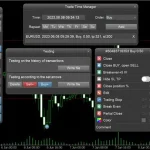
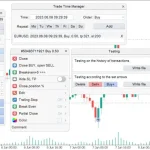
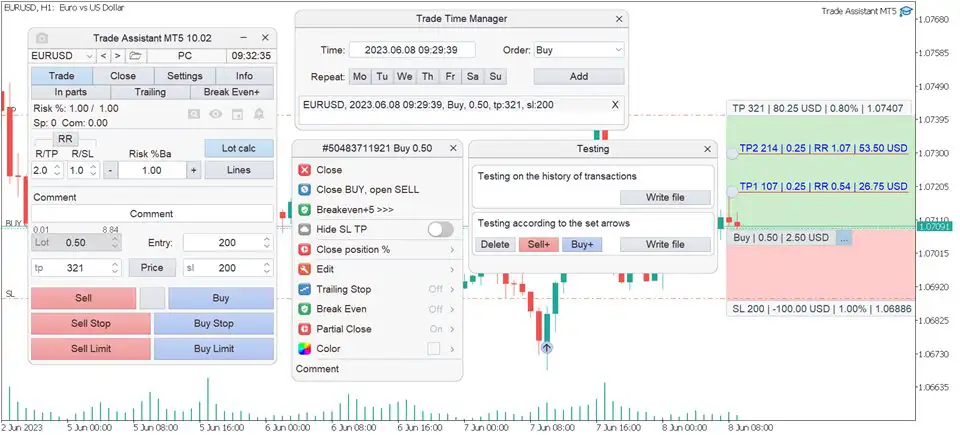
- Open or close trades automatically at a specific time using the Trade Time Manager.
- Partial Close feature lets you scale out of trades in percentage-based amounts.
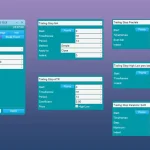
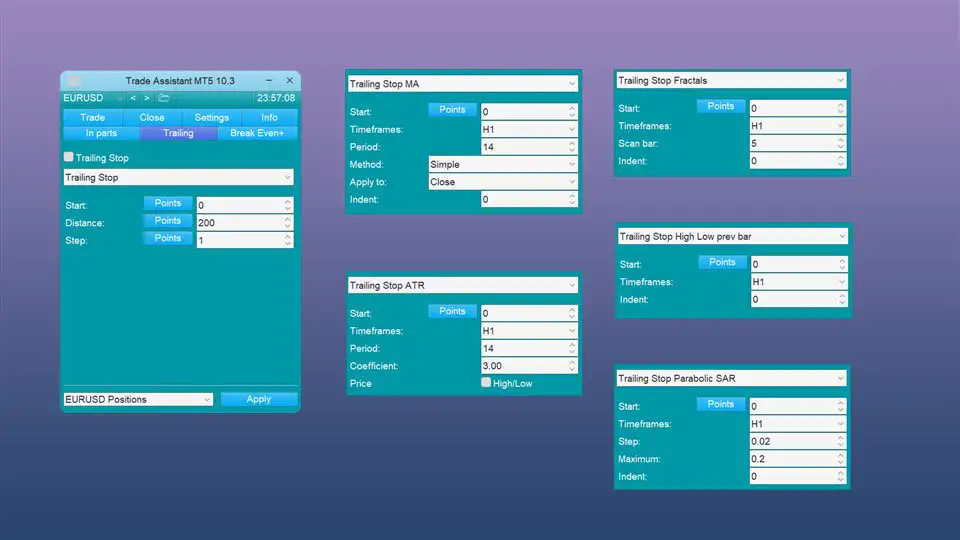
- 7 Types of Trailing Stop:
- By Pips
- Fractals
- Moving Average (MA)
- Parabolic SAR
- ATR
- Partial Close
- High/Low of Previous Bar
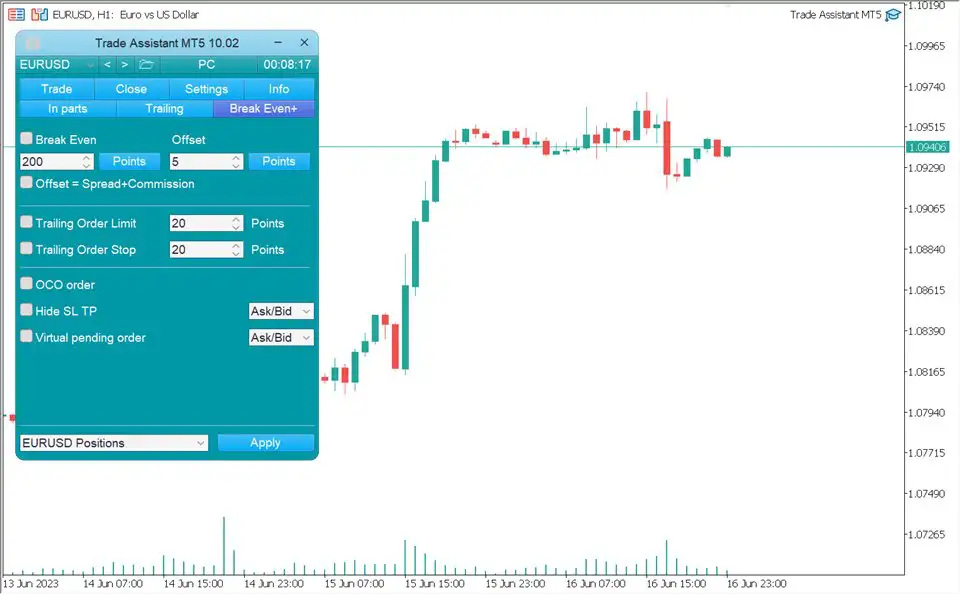
- Breakeven Function – Automatically secure profits by moving SL to breakeven.
- Limit Order Trailing – Move your pending limit order with market movement.
- OCO Orders – Cancel other pending orders when one gets triggered.
- Virtual SL/TP – Hide your stop loss and take profit from brokers for stealth trading.
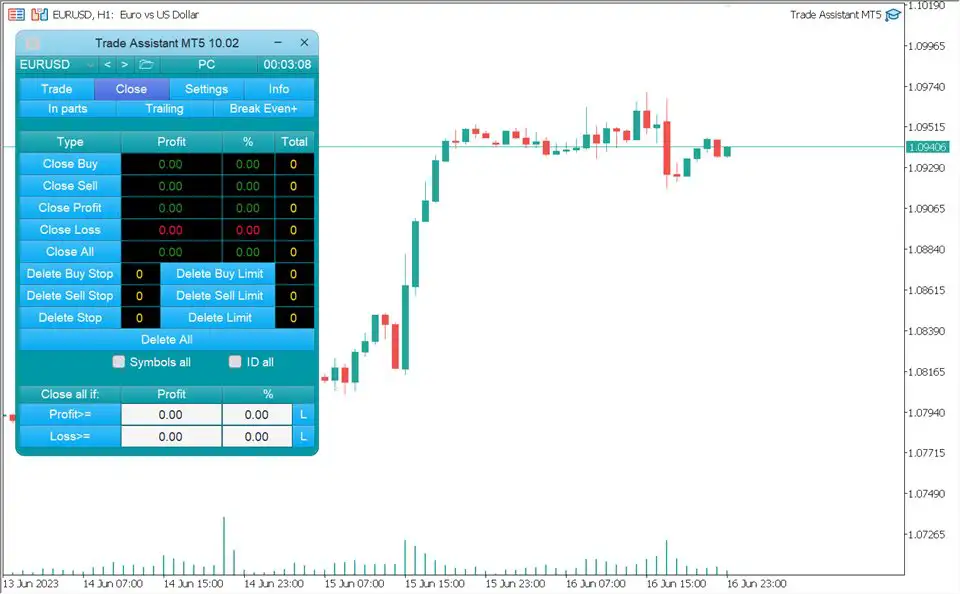
- Smart closing options based on order type or profit targets.
4. Additional Utilities for Efficient Trading
- Symbol Switcher – Quickly change chart symbols from the panel.
- Hotkeys – Customize keyboard shortcuts for trading and chart functions.
- Breakout Alerts – Get notified when price breaks support/resistance levels.
- Screenshot Tool – Automatically or manually save chart images for your trade journal.
Installation & Documentation
Installing Trade Assistant MT5 is simple and beginner-friendly. The product includes:
- A step-by-step installation guide
- A complete user manual to help you master all functions
Why Traders Choose Trade Assistant MT5
- Faster & smarter order execution
- Professional-grade lot size & risk control
- Advanced trailing stop and breakeven automation
- Reduces human error, overtrading, and emotional decisions
- All-in-one tool – No need for multiple scripts or EAs
Download Trade Assistant MT5 Today
If you’re ready to trade smarter and gain full control over your trades, Trade Assistant MT5 is the tool you’ve been waiting for.
No coding required, no cluttered tool switching—just one powerful panel to manage your trades with precision.
Get Trade Assistant MT5 now, follow the installation guide, and take your MetaTrader 5 trading to a professional level.


Reviews
There are no reviews yet.